Wi-Fi is Like a Rhythm Game — The Day I Understood Invisible Radio Waves
My Buffalo Router Dropped Again
Recently, my Buffalo router (WXR-1750DHP2) had been acting up.
Specifically, the internet would suddenly drop and then mysteriously come back after a while. Videos would cut off mid-stream, only to resume a few minutes later as if nothing happened. This instability was quietly frustrating.
Router issues typically follow a few patterns: overheating, firmware problems, compatibility issues with the ONU (Optical Network Unit), Wi-Fi interference, or simple aging. The WXR-1750DHP2 was released in 2015, a Wi-Fi 5 (IEEE 802.11ac) generation device. It might be reaching its limits, but I kept restarting it anyway.
The KAON Alternative
Then I remembered — J:COM had provided a KAON router.
It's a modem-integrated router that comes with J:COM's cable internet service. I had been using it as "just a modem, letting Buffalo handle the Wi-Fi." The reason was simple: I assumed "Buffalo probably has better Wi-Fi performance" — a vague assumption without any real basis.
But if Buffalo is struggling now, maybe it's worth a try?
So I switched to KAON's Wi-Fi.
Result: speeds improved slightly.
This was an important data point. It meant Buffalo was likely the bottleneck. Whether it was hardware aging, processing limitations, or configuration issues, I now had a reason to suspect Buffalo.
I logged into KAON's admin panel and made minimal adjustments:
- Disabled unnecessary SSIDs (2.4GHz A suffix, 5GHz G suffix)
- Enabled Band Steering (automatically routes devices to optimal frequency bands)
- Turned off UPnP, WPS, and other unused features
KAON works best when you don't over-configure it. J:COM delivers it optimized, so messing with it too much can actually cause instability. So I kept changes minimal.
I decided to monitor the situation for a while.
"How Does Wi-Fi Actually Work?"
After finishing the setup, a question suddenly popped into my head.
What exactly is Wi-Fi?
Invisible radio waves flying through the air, devices catching them, stable internet connection. When you think about it, it's incredibly mysterious.
Something traveling through air carries 0s and 1s of digital information. Multiple devices communicate simultaneously. Videos, emails, games — all delivered through the same airwaves without getting mixed up.
I asked ChatGPT.
"Wi-Fi uses radio waves to transmit information. It represents 0s and 1s through changes in the wave's amplitude and phase (modulation). This is called QAM (Quadrature Amplitude Modulation). Wi-Fi 5 uses 256-QAM, and Wi-Fi 6 uses 1024-QAM..."
Honestly, it didn't click at all.
"Encoding 0s and 1s into wave oscillations" — I get that waves oscillate. But how do you load information onto them? What's 256-QAM? 1024 of what?
I was stuck.
Wait, This is Like a Rhythm Game
Reading ChatGPT's explanation again, I was thinking vaguely.
"There are patterns in how waves oscillate." "Those patterns represent information." "Wi-Fi 6 can use finer patterns than Wi-Fi 5..."
Then, a rhythm game suddenly came to mind.
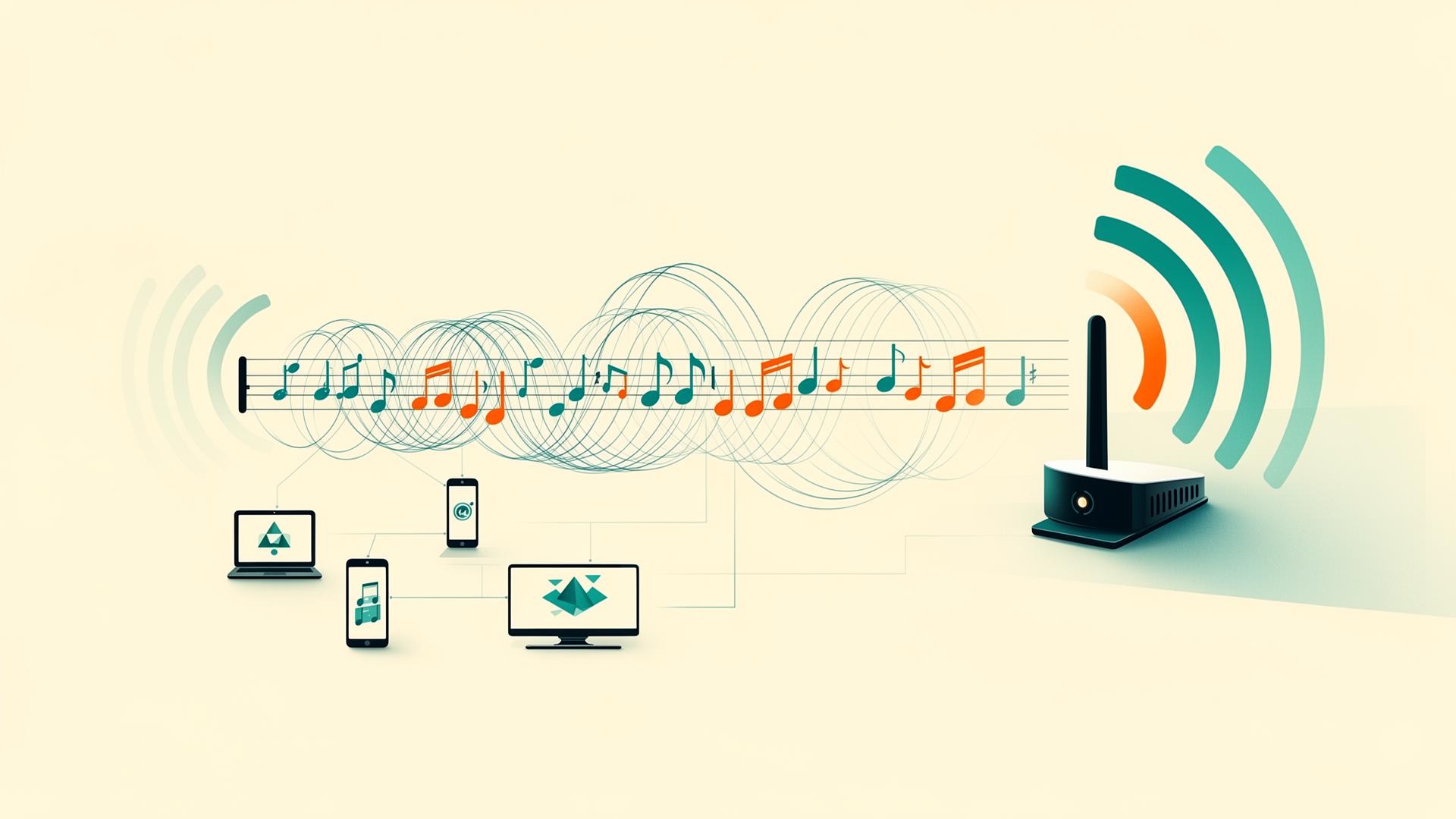
In rhythm games like Taiko no Tatsujin, you hit the drum in time with notes flowing across the screen. The faster the notes scroll, the more you can process in a short time.
Isn't this the same as Wi-Fi?
- Music sheet = Data (sequences of 0s and 1s)
- Timing of drum hits = Wave modulation
- Scroll speed = Frequency
- Hitting accurately = Error-free reception
And the difference between 256-QAM and 1024-QAM suddenly made sense:
- Wi-Fi 5: 256 different ways to hit (256-QAM)
- Wi-Fi 6: 1024 different ways to hit (1024-QAM)
In rhythm game terms, Wi-Fi 6 can process about 4 times finer note patterns than Wi-Fi 5.
Imagine an expert-level rhythm game. For beginners, the notes scroll so fast it's incomprehensible. Wi-Fi does the same thing. It oscillates radio waves hundreds of millions of times per second to send information.
At that moment, it clicked.
I think it clicked because I came up with the metaphor myself. There's a huge difference between reading someone's explanation and thinking "I see" versus discovering "Oh, isn't this just like that?"
Then I Realized — It's an Orchestra
After the rhythm game metaphor clicked, I started thinking about Wi-Fi 6's multi-device capability.
ChatGPT explained that "OFDMA technology allows allocating radio waves to multiple devices simultaneously."
Up to Wi-Fi 5, devices were processed one at a time. In rhythm game terms: "Player 1 plays → Player 2 plays → Player 3 plays..."
But with Wi-Fi 6, multiple devices can receive radio wave allocations simultaneously.
Isn't this an orchestra?
The moment I thought that, the structure became visible:
- Violin section handles higher frequency bands
- Cello section handles lower frequency bands
- The conductor (router) coordinates everything
Each section plays simultaneously, yet the sounds don't get mixed up — they become harmony. Wi-Fi 6 does the same thing.
Furthermore, MU-MIMO (Multi-User Multiple Input Multiple Output) allows multiple antennas to communicate with different devices simultaneously. It's like having multiple conductors in an orchestra.
And TWT (Target Wake Time) lets devices stop using radio waves when not communicating, saving power. Like musicians resting during their rest measures.
In other words, Wi-Fi 6 is like an orchestra where everyone is assigned expert-level sheet music, and they're all playing rhythm games simultaneously.
This understanding hit me hard.
What It Means to Understand Technology
This exploration that started with Wi-Fi troubleshooting led to a fundamental question: "What is Wi-Fi, anyway?"
It began as a simple decision: "Buffalo is acting up, let's try KAON." But along the way, questions emerged: "Why is KAON faster?" "How do radio waves carry information in the first place?"
When I asked ChatGPT, it didn't click initially. But as I kept thinking, I came up with the rhythm game and orchestra metaphors. The moment I confirmed these metaphors were accurate, it felt like solving a puzzle.
Understanding technology isn't just knowing how things work — it's internalizing them. For that, you can't just accept someone else's explanation. You need to find your own metaphors, analogies, and mental images.
Of course, there's no end if you keep digging. Modulation details, error correction codes, channel width, beamforming, MCS (Modulation and Coding Scheme)... the deeper you look, the more there is to explore.
But for today, rhythm games and orchestras are enough.
Next time Wi-Fi troubles occur, instead of just getting frustrated thinking "it won't connect," I can now think "Ah, the rhythm game notes aren't being read properly."
That alone has changed how I see the world a little bit.
Recommended Links
If you're looking to set up new Wi-Fi, mobile routers that require no installation and can be ready as early as the next day are a great option:
For those who want to understand Wi-Fi mechanics more deeply, this introductory book is recommended:
And the rhythm game I used as a metaphor in this article — Taiko no Tatsujin. Playing it yourself really helps you feel the "scroll speed" and "difficulty of hitting accurately":

Was this article helpful?

If this article helped you organize your thoughts
a coffee-sized support would be much appreciated.
※ This is separate from tipping, but—
If you'd like to organize similar themes in your own context, I also offer dialogue sessions as a form of thought organization.
Recommended for you