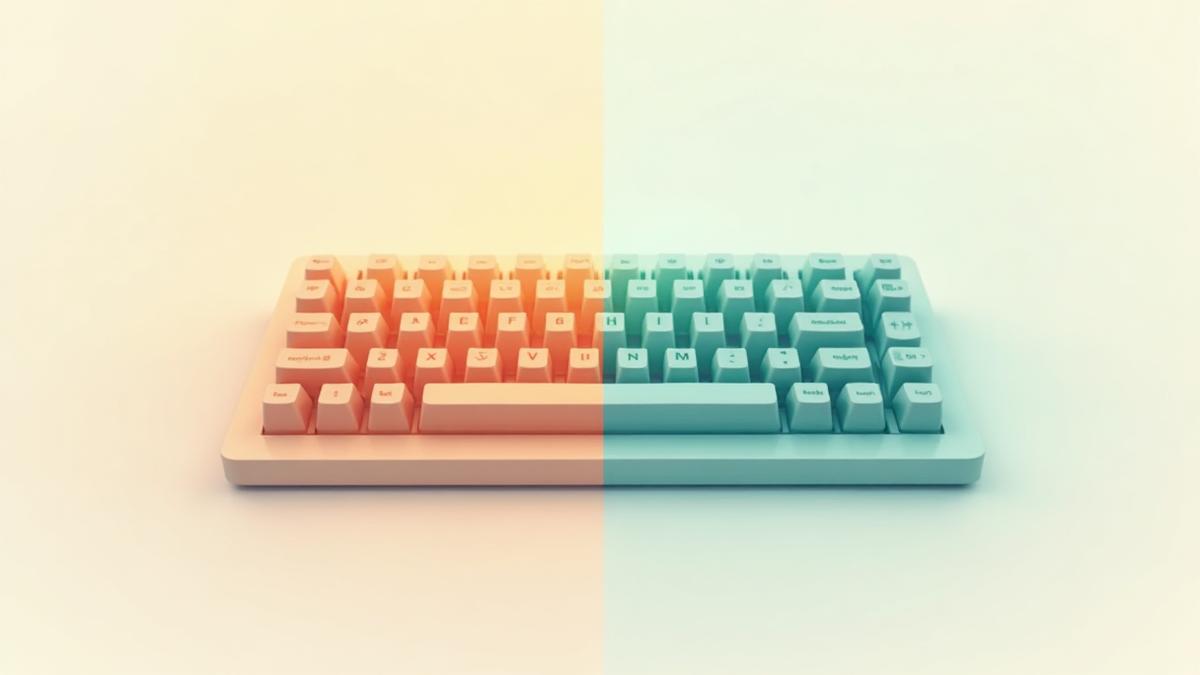
Why My 5.5-Year-Old Keyboard Failed After One Winter Week
It Was Working Fine Until Then
My Filco Bluetooth keyboard (Majestouch MINILA Air), purchased in July 2019, suddenly stopped working one day.
I had been away for about a week, and when I returned home and tried to use it, nothing happened. Even after replacing the batteries, not even the LED would light up.
"Could it really break from just one week of disuse?"
This question bothered me so much that I decided to investigate the cause of the failure.
Starting With Basic Diagnostics
The basics of failure diagnosis is to eliminate simple causes first.
- Power switch: ON
- Battery orientation: Correct
- Battery contact: No issues
- Pairing reset: Tried, but no response
Still, the LED wouldn't light up. This suggested a power system failure.
At this point, I was convinced it was completely broken. It was a 5.5-year-old keyboard, so it might have reached its lifespan. But the fact that "I only didn't use it for one week" kept nagging at me.
Looking for a New Keyboard
The broken one couldn't be helped. I decided to consider my next keyboard.
Defining Requirements
- Wireless connection is essential (doesn't have to be Bluetooth)
- Prioritize quietness (I enjoyed the clicking sound when I bought it, but lately prefer quieter)
- Want portability... but I also use a ThinkPad
This "also use a ThinkPad" condition would become important later.
Filco vs HHKB vs RealForce
Initially, I considered the successor model in the same MINILA series. I was familiar with it, and the price was reasonable.
But for a replacement purchase, I wanted to look at slightly higher grades too. I decided to include the two giants of premium keyboards, HHKB and RealForce.
Filco MINILA-R Convertible (~14,000 yen)
- Cherry MX switches
- Compact but has arrow keys
- Relatively standard layout
- Bluetooth 4-device support
- Familiar MINILA series
HHKB Professional HYBRID Type-S (~34,000 yen)
- Ultra-compact (60% keyboard)
- Lightweight (540g)
- Electrostatic capacitive switch
- However, no arrow keys, unique layout
RealForce RC1 (~32,000 yen)
- 70% keyboard (necessary minimum)
- Arrow keys and function keys included
- Electrostatic capacitive switch
- Standard layout
- Weight 600g
Initially, I was attracted to the HHKB. It's compact, portable, and has good reviews.
However, the layout is completely different from ThinkPad.
When traveling, I often manage with just the ThinkPad. In that case, there's no need to adapt to a unique layout. I judged it more rational to prioritize comfort and quietness for desk use.
I tend to choose the harder option when hesitating, but this time I thought "there's no need to force myself to choose the harder one."
Key Weight: 30g vs 45g
RealForce RC1 comes in two types: 30g and 45g.
- 30g: Light, highly quiet, but prone to accidental input
- 45g: Standard, same feel as ThinkPad
For use alongside ThinkPad, 45g is the only choice.
Switching between 30g and 45g would cause confusion due to the difference in key feel. I prioritized being able to use both keyboards comfortably.
Conclusion: RealForce RC1 45g Japanese Layout
About 32,000 yen. More than double the price of Filco, but I judged it reasonable considering quietness and durability.
However, I won't buy it immediately. I plan to wait for a sale. Until then, I'll manage with the Filco wired keyboard I used previously.
Deep Diving Into "Why Did It Break?"
The new keyboard was decided. But the question "it broke after just one week of disuse" remained.
I suddenly remembered about that week away.
That week, a winter cold wave hit. Since I was away, the heating was of course turned off.
Could this be the cause?
Failure Due to Rapid Temperature Change (Hypothesis)
This is just a hypothesis, but temperature change might have triggered the failure.
Presumed sequence:
- Before leaving (with heating): Room temperature 20-25°C, keyboard interior at same temperature
- One week away (cold wave): Room temperature dropped to 5-10°C, interior rapidly cooled
- After returning home (heating on): Room temperature rose back to 20-25°C
- Result: Rapid contraction→expansion may have caused deteriorated solder to fracture
The 5.5-year-old keyboard may have accumulated microscopic cracks in internal solder joints. While there were no issues during normal use, rapid temperature change (15-20°C) may have been the final blow.
There's no proof, but the circumstantial evidence adds up.
Similar Cases
Looking into it, I found several similar cases.
According to PC support companies, inquiries about "keyboard not responding" increase when cold waves arrive. This apparently occurs more often with older computers.
Also, on forums like Yahoo Answers, cases of keyboards becoming unresponsive in winter are reported. However, many are temporary issues that "fix when warmed up."
In my case, it was completely broken. This is probably because the 5.5-year usage period had reached its limit.
Typical Lifespan of Filco Keyboards
I also researched "how long can others use them?"
User experience summary:
- Failure at 4-5 years: Most common
- 5-7 years: Lasted well
- 10+ years: Quite rare
Manufacturer's repair support period: 5 years
Filco itself assumes a "5-year lifespan." After 5 years, repair parts aren't guaranteed.
My 5.5 years exceeded the manufacturer's expected lifespan. Bluetooth models are also said to be more prone to failure than wired models due to more components.
It actually lasted well.
Lessons: Electronic Device Lifespan and Temperature Management
Here's what I learned from this failure.
1. Aged Electronic Devices May Be Vulnerable to Temperature Changes
While I couldn't confirm detailed data, aged products generally become more vulnerable to rapid temperature changes.
While new products can withstand a wide temperature range, products used for over 5 years may have higher failure risk from the same temperature changes due to internal component degradation.
2. Countermeasures for Long Absences Are Limited
There's realistically little you can do.
- Store in locations with minimal temperature change (closets, etc.)
- Insulate with cardboard + towels
Leaving the AC on continuously isn't realistic considering electricity costs.
However, for a 5.5-year-old product, there may have been limits to any countermeasure.
3. Failure Is a "Matter of Timing"
Fundamentally, 5.5 years of aging was the cause.
Combined with temperature change from winter cold wave, and the one-week temperature cycle may have triggered it.
It's not "it broke because I didn't use it for a week," but rather "the 5.5 years of degradation had reached its limit, and it happened to break at this timing."
Even if I had continued using it, it likely would have broken within days to weeks.
Conclusion
The Filco MINILA Air (Bluetooth) served me well for 5.5 years. While it may have broken at the unfortunate timing of winter cold wave + long absence, I can accept that it was its lifespan.
I plan to purchase the new RealForce RC1 45g when a sale comes.
5 years is one milestone for electronic devices. Consider it lucky if it lasts 10 years.
That's the lesson I learned from this failure.

Was this article helpful?

If this article helped you organize your thoughts
a coffee-sized support would be much appreciated.
※ This is separate from tipping, but—
If you'd like to organize similar themes in your own context, I also offer dialogue sessions as a form of thought organization.
Recommended for you