Revisiting DNS After Years: What a 10-Year Engineer Had Forgotten
I was trying to publish my new service "DevLoopRunner" to the internet and register it with Google Search Console.
I opened the DNS settings page, and my hands stopped.
"Wait, what do I put in the Host Name field...?"
I'll be honest. Even after 10 years as an engineer, DNS is something I forget because I don't touch it often.
I've worked on infrastructure-heavy projects and configured Route 53 several times. But it's not something I deal with daily. So when I finally need to touch it again, I find myself thinking, "How did this work again?"
This time, I reorganized my DNS knowledge while chatting with ChatGPT, so I'm documenting the process. Hopefully, it'll help others who "kind of know it but are a bit fuzzy on the details."
The Trigger: Registering a Domain Property in Search Console
When registering a site in Google Search Console, if you choose "Domain property," you're asked to set up a DNS TXT record.
The screen shows a verification string, and you just need to register it in DNS.
...But I got stuck on what to put in the "Host Name" field.
The Answer: Host Name Is "@" or Empty
The answer was simple.
| Field | Setting |
|---|---|
| Type | TXT |
| Host | @ (or leave empty) |
| Value | google-site-verification=xxxx... |
| TTL | Default |
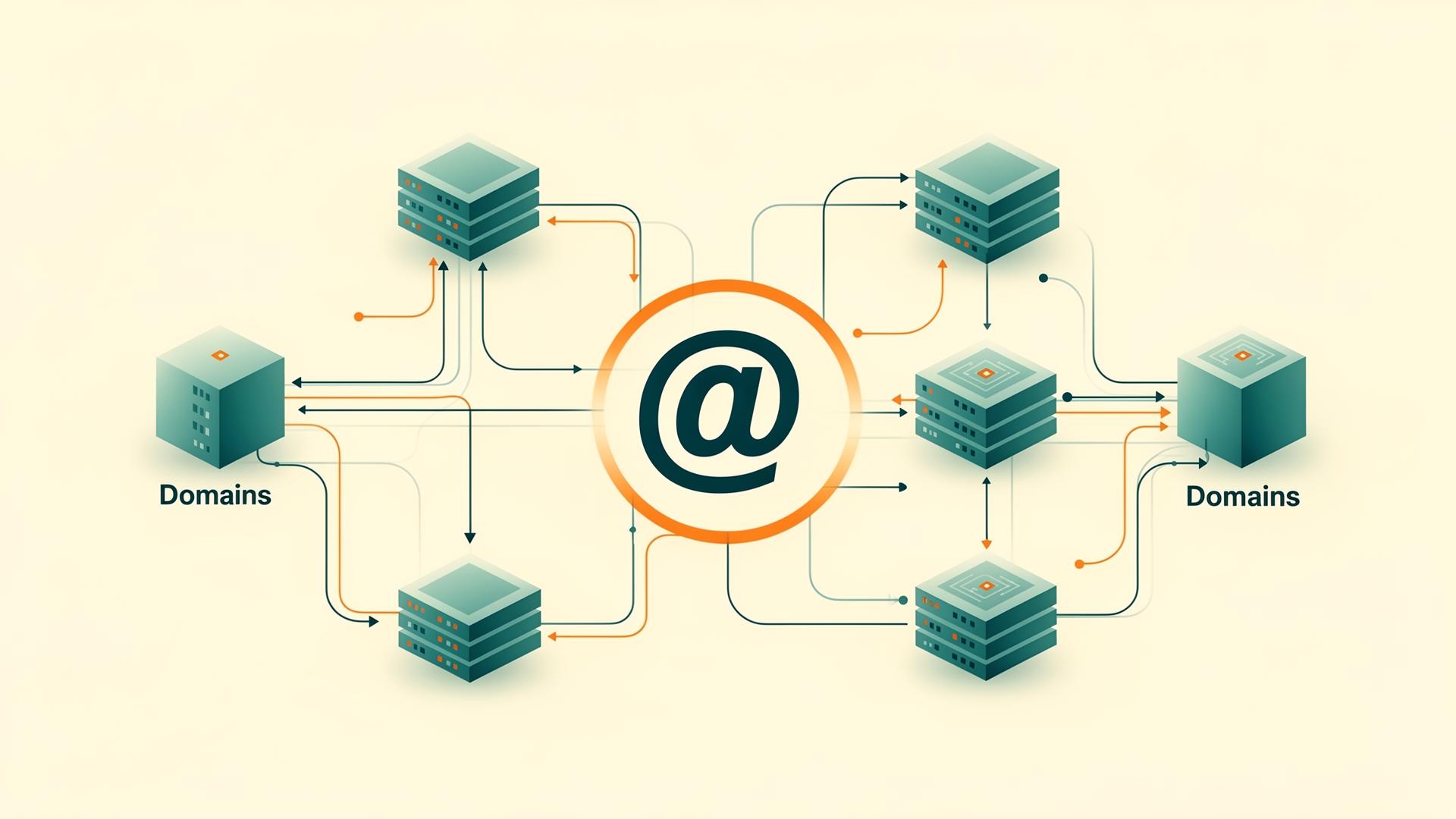
"@" represents the root of the DNS zone (the domain itself).
For example, if you're managing example.com, then @ = example.com.
Common Mistakes
- Writing
example.comin Host → Results inexample.com.example.com - Specifying
www→ This is for subdomains
This is a surprisingly common trap.
Understanding What "@" Really Means
I'm a bit embarrassed to admit I didn't fully understand what "@" meant.
In DNS management interfaces, this calculation happens:
Host + Zone = FQDN (Fully Qualified Domain Name)So:
- Host:
@→example.com.(root) - Host:
www→www.example.com. - Host:
example.com→example.com.example.com.(unintended result)
"@" is a symbol meaning "the root itself." Just knowing this changes how you see DNS configuration.
Organizing Record Types
While I was at it, I also reorganized my understanding of record types.
You don't need to memorize all of them. In practice, you'll use about 8-10 types.
Commonly Used
| Record | Purpose | Mnemonic |
|---|---|---|
| A | Domain → IPv4 address | Address |
| AAAA | Domain → IPv6 address | - |
| CNAME | Create an alias | Canonical Name |
| TXT | Configuration/verification (catch-all) | Text |
| MX | Mail delivery destination | Mail eXchange |
Rarely Touched
| Record | Purpose |
|---|---|
| NS | DNS administrator (usually don't touch) |
| SOA | Basic zone info (auto-managed) |
| SRV | Service discovery (includes port) |
| CAA | Certificate issuance control |
The description of TXT records as a "catch-all notepad" really clicked for me. Search Console, SPF, DKIM, DMARC, SaaS integrations... it's used for all sorts of purposes.
Why Register Both www and Root
Why do web services register both example.com and www.example.com?
This was another thing I vaguely knew but wasn't clear on.
Historical Background
In the early internet, subdomains were separated by purpose.
www.example.com  → Web
ftp.example.com  → FTP
mail.example.com → Email
www stands for "World Wide Web" and was the subdomain for web servers.
Why www Is Still Used Today
- Root domains couldn't have CNAME records (technical limitation)
- Easier CDN/SaaS integration (CNAME makes it easy to point elsewhere)
- Cookie scope control
The Correct Pattern in Practice
https://example.com      ← Canonical URL
https://www.example.com  → 301 redirect
The reverse is also fine. The important thing is to "decide on one canonical URL."
From Google's perspective, example.com and www.example.com are treated as separate sites. That's why canonical settings, 301 redirects, and Search Console registration are necessary.
This is actually a crucial point.
DNS Practical Checklist
Finally, I've organized a checklist to avoid DNS accidents.
1. DNS Changes Don't Propagate Instantly
Caches exist worldwide, so changes may not reflect immediately. Be mindful of TTL (300 seconds, 3600 seconds, 86400 seconds, etc.).
2. Make Changes Incrementally
❌ Delete immediately
⭕ Add → Verify → Delete
Add before removing. This is fundamental.
3. Root (@) Is Special
- CNAME generally can't be placed there
- ALIAS / ANAME are provider-specific extensions
4. TXT Records Accumulate
You can have multiple TXT records. However, SPF needs to be consolidated into a single line.
5. Be Careful with Email-Related Records
Minimum requirements:
- MX
- SPF
- DKIM
- DMARC
Email stops working if DNS is misconfigured, so be cautious.
6. DNS Only Handles Name Resolution
HTTPS, ports, and redirects are not DNS's job.
7. Troubleshooting Commands
dig example.com
dig TXT example.com
nslookup example.com
Use these when in doubt.
8. DNS Is the Last Line of Defense
When DNS goes down, Web, API, email—everything stops.
Summary
DNS is foundational technology that's "boring when you understand it, hell when you don't."
Even after 10 years as an engineer, I forget it because I don't touch it often. The meaning of "@" and the historical context of www were things I vaguely knew but weren't clear on.
I'm glad I could reorganize my knowledge while chatting with ChatGPT this time.
What you need to remember isn't actually that much:
- @ = root
- A / CNAME / TXT / MX
- Be mindful of TTL
- Add before removing
- Unify canonical URL
- Be careful with email
If you keep these in mind, you shouldn't have trouble in practice.

Was this article helpful?

If this article helped you organize your thoughts
a coffee-sized support would be much appreciated.
※ This is separate from tipping, but—
If you'd like to organize similar themes in your own context, I also offer dialogue sessions as a form of thought organization.
Recommended for you