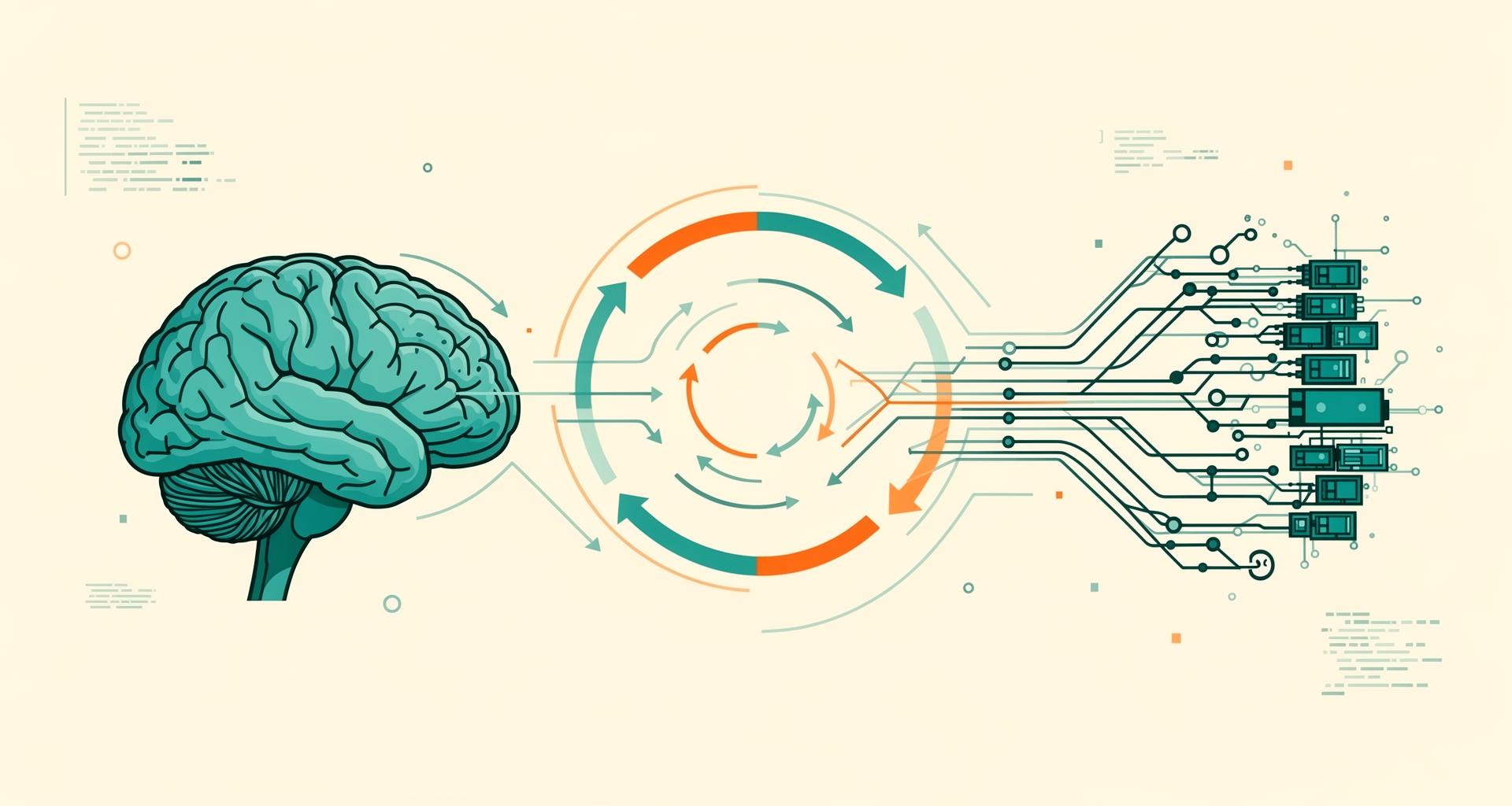
Finding the Optimal Verification Cycle in AI-Driven Development: When Should Humans and AI Test?
When developing new features, what's the most efficient timing for testing and verification? This is a question every developer has pondered at least once.
Some write small chunks and test immediately, others batch their work and test later, and some fall somewhere in between. Each style has its advocates, and surprisingly, there's no clear consensus on which approach is "correct."
With AI-assisted coding becoming mainstream, I thought it was time to reconsider what the "optimal verification cycle" really means. Here's what I found.
For Humans: Shorter Cycles Aren't Necessarily Faster
First, let's look at what empirical research tells us about human development styles.
A meta-analysis of 27 studies on TDD (Test-Driven Development) revealed some interesting findings:
- Quality: 76% of studies confirmed improvements in internal quality, 88% in external quality
- Productivity: About 44% of studies showed productivity decreased when using TDD
In other words, contrary to the intuitive expectation that "shorter verification cycles lead to higher productivity," the reality is that while quality improves, productivity tends to decline.
Why is this? It's because humans have something called a flow state. Research from Thoughtworks shows that even a 2-minute wait can cause developers to lose their flow state, and it can take up to 23 minutes to regain concentration.
Frequent test execution causes this "context switching" to happen repeatedly, ultimately reducing productivity. This is a constraint unique to humans.
For AI: Shorter Cycles Are Better
The situation is quite different for AI.
Multiple studies show that AI doesn't experience flow state loss, making the cost of frequent verification much lower.
Specifically:
- Iterative refinement using compiler feedback improved performance by over 80% compared to vanilla LLMs
- Iterative feedback loops combining compiler diagnostics, static analysis, and symbolic execution reduced security vulnerabilities by 96% (DeepSeek), from 58.55% to 22.19% (CodeLlama)
This means that for AI, shorter feedback loops are better—testing and verifying after every step before moving on is optimal.
What struck me here was realizing that the optimal development rhythm is fundamentally different for humans and AI.
Why Senior Engineers Should Embrace AI
Let me share something personal here.
I have over 10 years of experience as an engineer, but honestly, I don't think my coding skills are particularly exceptional. And to be even more honest, I don't particularly enjoy the act of coding itself.
The METR study reported that "experienced developers using AI tools on real projects were 19% slower." At first glance, this suggests senior engineers shouldn't use AI.
But I think this perspective misses something important.
What I expect from AI isn't faster coding—it's lowering the barrier to realizing ideas.
I have many ideas I want to implement. But if I had to code everything myself, the time and effort required would be enormous. Things I used to give up on now feel like "let's just try it" thanks to AI.
This isn't just about efficiency—it's about expanding what's possible.
Parallel Execution: Running Multiple AIs Simultaneously
Everything so far has been about "how to progress a single task," but there's another important perspective.
That is: you can assign multiple tasks to AI simultaneously.
What the Data Shows
Faros AI's analysis (July 2025) of over 10,000 developers found that high AI adoption teams had:
- 47% more pull requests per day
- Engagement with 9% more tasks
This is attributed to the ability to work in parallel.
Additionally, multi-agent execution benchmarks showed that 5 processes taking 30 minutes on a single thread completed in 19 minutes—approximately 37% faster.
But There Are Trade-offs
However, it's not all positive:
- Developers spend more time coordinating and verifying AI contributions, and this additional juggling offsets much of the typing speedup
- Developers lose 15-20 minutes of productivity with each task switch. With 4 switches per day, 1-1.5 hours are lost to transition overhead alone
Some developers say: "I'm not actually saving time with AI coding. I'm typing less, but spending more time reading and untangling code."
Four Orchestration Patterns
When using multiple AI agents, how you coordinate them becomes crucial.
From practitioners' experiences, four basic patterns are emerging.
1. Sequential Pattern
The classic assembly line—Agent A completes a task and hands it directly to Agent B. Linear, deterministic, and easy to debug.
Example: Document Processing
- Agent A: Extract text from PDF
- Agent B: Convert extracted text to JSON format
- Agent C: Validate data
- Agent D: Save to database
Pros: Predictable and easy to debug
Cons: Limited parallelism
This pattern suits processes with clear step dependencies that can't be reordered.
2. Parallel Pattern
Distribute tasks to multiple agents simultaneously and aggregate results. Maximizes throughput for independent subtasks but requires synchronization.
Example: Multi-Source Research
- Agent A: Search official API documentation
- Agent B: Investigate GitHub Issues
- Agent C: Search Stack Overflow
- Aggregator Agent: Compile three results into a report
Pros: Maximum throughput
Cons: Each agent must write data to unique keys to prevent race conditions
This pattern works well when processing independent tasks simultaneously.
3. Hierarchical (Coordinator) Pattern
A coordinator assigns subtasks to specialist agents in parallel and integrates the final output.
Example: RFP Response
- Coordinator: Analyze RFP and assign sections to specialists
- Technical Agent: Write technical specifications section
- Pricing Agent: Create pricing model and estimates
- Legal Agent: Review and propose contract terms
- Coordinator: Integrate everything and ensure consistency
Pros: Balances parallelism with depth of expertise
Cons: Output contradictions and integration conflicts may occur
This is surprisingly crucial. Without solid coordinator design, significant rework occurs at the integration stage.
4. Iterative Refinement Pattern
Agents discuss and improve through iterative dialogue. Emergent behavior through negotiation is possible, but it's the most unpredictable.
Example: Code Review
- Agent A: Write code
- Agent B: Review from security perspective
- Agent C: Review from performance perspective
- Agent A: Make corrections based on feedback
- Agents B & C: Re-review
- Repeat until all agree
Pros: Most flexible, potential for emergent solutions
Cons: High token consumption, may not converge
This pattern suits creative tasks without clear right answers, but cost trade-offs must be considered.
The Current Best Practices (2025)
So how should we combine these patterns?
The current practical consensus recommends the following phased approach:
Phase 1: Single Agent (1-2 weeks)
Start by mastering the basics with a single agent. This is a period for learning task decomposition and prioritizing single-agent work until parallelism or specialization can be justified.
The key is not building complex systems from the start. Begin with sequential chains, debug them, then add complexity.
Phase 2: 2-3 Agent Parallel (1 month)
Transition to a coordinator + specialist model when tasks naturally separate and different prompts/tools are needed for each role.
Focus on parallelizing only tasks that are completely independent and don't interfere with others—those that can be parallelized without compromising quality or causing shared state conflicts.
Phase 3: Full Parallel Orchestration (2-3 months)
Progress to complex orchestration with up to 8 concurrent AI coding agents.
Even here, don't pursue complete autonomy. Ship narrowly scoped, properly orchestrated agents with guardrails and evaluation, then expand while proving reliability and ROI.
The Human Role
Throughout this process, humans should handle:
- Architecture
- Design decisions
- Integration
- Final review
In other words, delegate parallel tasks to AI while humans focus on design and decision-making.
Putting It Into Practice with DevLoop Runner
We implemented this concept of "running multiple AI agents in parallel while humans focus on review and decision-making" in a tool called DevLoop Runner at TIELEC Inc.
https://devloop-runner.app/
When you assign GitHub Issues to AI, it automatically executes code modifications through PR creation. Assign multiple Issues simultaneously, and they're processed in parallel, allowing humans to focus on other work during wait times.
What we especially value in this tool is the design philosophy of supporting "courage to try." When you have an idea but hesitate to implement it, you can create an Issue and let AI handle it. The psychological safety of knowing failure won't cost much is invaluable.
For more details on the development background and usage, see this article:
AIでコードは書ける。でも「試すこと」は、まだ怖いままだった
Conclusion: Not Development Speed, But Development Courage
The optimal verification cycle differs between humans and AI.
- Humans: Maintaining flow state is crucial. Extremely short cycles may reduce productivity
- AI: Shorter feedback loops are better. Test and verify before moving to the next step
And running multiple AIs in parallel can likely improve overall throughput. However, this requires proper task decomposition and rigorous review processes.
Understanding the four orchestration patterns (sequential, parallel, hierarchical, iterative refinement) and progressively advancing your approach seems to be the current best practice.
"Now that AI can write code, what needs to change next might not be development speed, but development courage."
This was the most memorable insight from my research.
Glossary
- Meta-analysis: A method of statistically combining and analyzing results from multiple studies
- Flow state: A state of deep concentration on work. Once broken, it takes time to recover
- Feedback loop: The cycle of writing code → testing → reviewing results → fixing
- Vanilla LLM: A standard large language model without additional features or improvements
- Compiler diagnostics, static analysis, symbolic execution: Various tools that automatically check for code errors and vulnerabilities
- Orchestration: Coordination and management for running multiple AI agents cooperatively
- Throughput: The amount of tasks that can be processed in a given time
References
TDD & Feedback Loops
AI-Driven Development Productivity
Compiler Feedback & Iterative Refinement
Parallel AI Development & Multi-Agent

Was this article helpful?

If this article helped you organize your thoughts
a coffee-sized support would be much appreciated.
※ This is separate from tipping, but—
If you'd like to organize similar themes in your own context, I also offer dialogue sessions as a form of thought organization.
Recommended for you