Solving Jenkins × Docker Permission Issues with Responsibility Design
When using Docker containers in Jenkins pipelines, you sometimes encounter unexpected permission errors like "Wait, why am I getting a permission error here?" This time, I ran into exactly that pattern and ultimately solved it by reconsidering the responsibility design: "who should create what?"
The Beginning: Sudden AccessDeniedException
When I ran the Cost Check pipeline, I got this error:
java.nio.file.AccessDeniedException: /tmp/jenkins-xxxxx/workspace/monitoring-job/reports/summary.md"No permission? Why?" I thought, while looking at the pipeline configuration.
stage('Combine Reports') {
    steps {
        script {
            sh '''
                python -m monitoring_cli cost-combine \
                    --input-dir "$WORKSPACE/$REPORT_DIR" \
                    --output "$WORKSPACE/$REPORT_DIR/cost_check.json" \
                    --timestamp "$TIME_STAMP"
            '''

            def results = readJSON(file: "${REPORT_DIR}/cost_check.json")
            def summaryContent = generateSummaryMarkdown(results)
            writeFile(file: "${REPORT_DIR}/summary.md", text: summaryContent)  // ← Fails here
            currentBuild.description = generateBuildDescription(results)
            echo summaryContent
        }
    }
}
It looks normal at first glance, but writeFile fails here.
The Cause: Permission Differences Between Docker Container and Jenkins
Honestly, I was stuck here. Looking at just the error message "can't write to file" didn't immediately reveal the cause.
Looking at the pipeline's agent configuration:
agent {
    docker {
        image 'python:3.11-slim'
        args '-u root'
    }
}
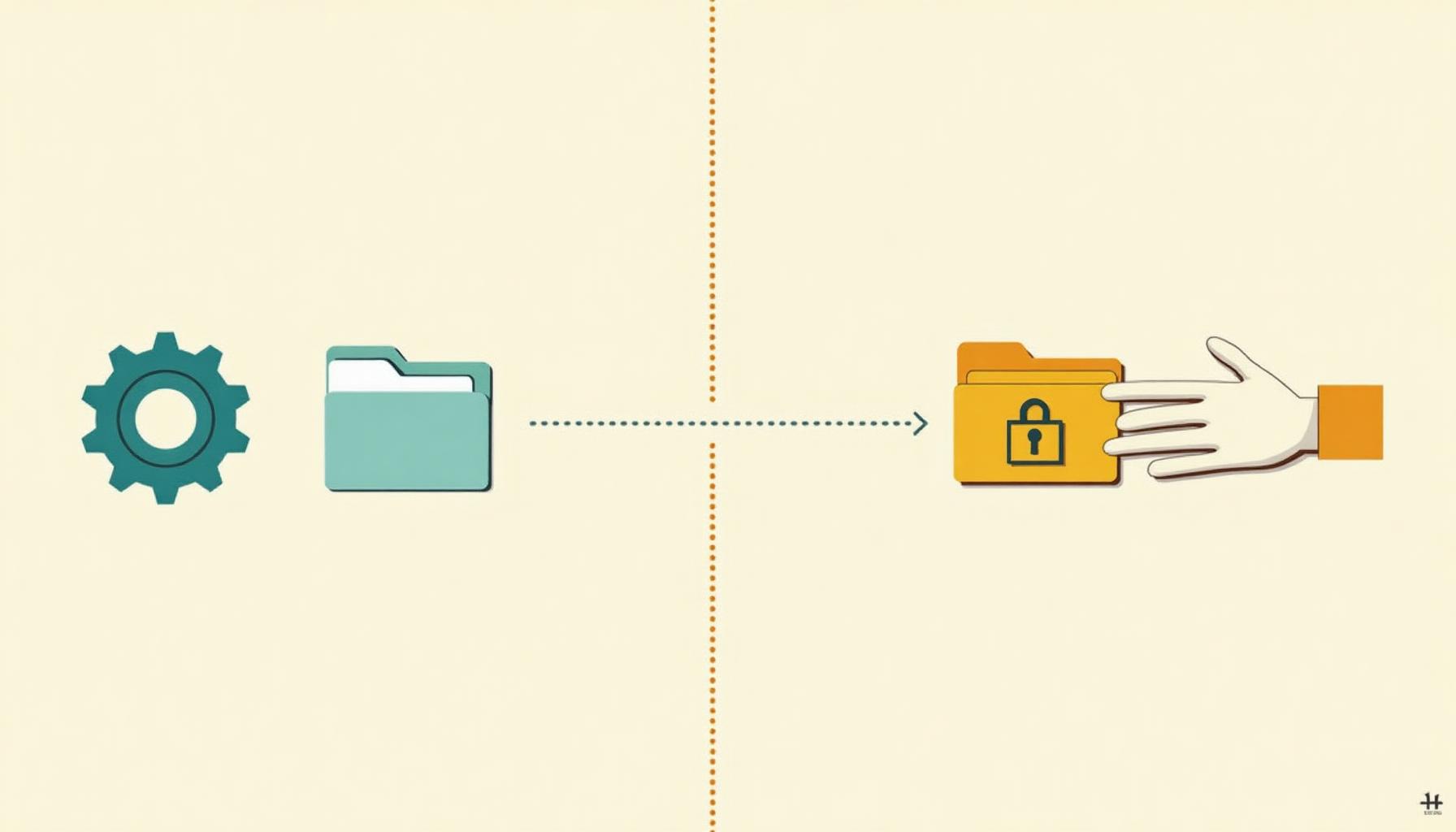
Here I realized. The Docker container is running as the root user.
The processing flow looks like this:
In other words:
- Python script (inside Docker container, root user) creates
reports/directory - Outputs
cost_check.jsonthere - Jenkins (jenkins user) tries to write
summary.mdin the same directory - Fails due to lack of permission
The directory created by the Docker container is owned by root, so the Jenkins user couldn't write to it.
Solution Approach: Reconsidering Responsibilities
There were several possible solutions to this problem:
Option 1: Change Docker container user to jenkins
args '-u jenkins'But this would lose consistency with other pipelines, and could cause problems with Python package installation permissions.
Option 2: Change permissions with chmod
chmod 777 $REPORT_DIRBrute force, but not great for security. Plus, doing this every time isn't elegant.
Option 3: Does Jenkins even need to create summary.md?
Here I paused to think.
"Why is Jenkins generating Markdown in the first place?"
Looking at other pipelines, api-health-check and batch-status-check generated summary.md on the Python script side.
# api-health-check example
@click.command("health-combine")
@click.option("--format", default="both")
def health_combine(..., format_: str):
    # Output both JSON and Markdown
    if format_ in ("markdown", "both"):
        summary_path.write_text(markdown_content, encoding="utf-8")
In other words, only Cost Check was generating Markdown on the Jenkins side.
I thought this might be fate, and decided to align the design.
Implementation: Adding Markdown Generation to Python CLI
This turned out to be the key part.
Python Side Changes
I added a --format option to the cost-combine command.
@click.command("cost-combine")
@click.option(
    "--input-dir", "-i", required=True,
    type=click.Path(exists=True, file_okay=False, readable=True, path_type=str),
    help="Directory containing individual results",
)
@click.option(
    "--output", "-o", required=True,
    type=click.Path(dir_okay=False, path_type=str),
    help="Output file path for combined results",
)
@click.option(
    "--timestamp", "-t", default=None,
    help="Timestamp to add to combined results (current time if omitted)",
)
@click.option(
    "--format", "-f", "format_",
    type=click.Choice(["json", "markdown", "both"]),
    default="both",
    show_default=True,
    help="Output format",
)
@handle_cli_errors
def cost_combine(input_dir: str, output: str, timestamp: str | None, format_: str) -> None:
    """Combine each service's results and output in JSON and Markdown."""
    logger.info("Starting cost-combine command: input_dir=%s, output=%s", input_dir, output)

    try:
        input_path = Path(input_dir)
        services = _load_cost_payloads(input_path)
        combined_warnings = _collect_cost_warnings(services)

        output_payload = {
            "timestamp": timestamp or current_jst_timestamp(),
            "services": services,
            "warnings": combined_warnings,
        }

        output_path = Path(output)
        output_path.parent.mkdir(parents=True, exist_ok=True)

        # JSON output
        if format_ in ("json", "both"):
            output_path.write_text(
                json.dumps(output_payload, ensure_ascii=False, indent=2),
                encoding="utf-8"
            )

        # Markdown output
        if format_ in ("markdown", "both"):
            markdown_lines = []
            markdown_lines.append("# Cost Check Results")
            markdown_lines.append("")
            markdown_lines.append("| Service | Current Cost | Forecast | Status |")
            markdown_lines.append("|---|---:|---:|---|")

            for service_name, service_data in services.items():
                current_cost = service_data.get("current_cost", "-")
                forecast = service_data.get("forecast", "-")
                status = str(service_data.get("status", "UNKNOWN")).upper()
                markdown_lines.append(
                    f"| {service_name} | {current_cost} | {forecast} | {status} |"
                )

            if combined_warnings:
                markdown_lines.append("")
                markdown_lines.append("## Warnings")
                for warning in combined_warnings:
                    markdown_lines.append(f"- {warning}")
            else:
                markdown_lines.append("")
                markdown_lines.append("No warnings detected.")

            markdown_lines.append("")
            markdown_lines.append(f"Execution time: {output_payload['timestamp']}")

            summary_path = output_path.parent / "summary.md"
            summary_path.write_text("\n".join(markdown_lines), encoding="utf-8")

        logger.info("cost-combine command completed: %d warnings", len(combined_warnings))

    except Exception as exc:
        logger.error("Error in cost-combine command: %s", exc)
        raise
Key points:
--format bothoutputs both JSON and Markdown- Markdown is output as
summary.mdin the same directory - Everything completes inside the Docker container (root user)
Jenkinsfile Changes
The Jenkins side became simpler.
stage('Combine Reports') {
    steps {
        script {
            sh '''
                python -m monitoring_cli cost-combine \
                    --input-dir "$WORKSPACE/$REPORT_DIR" \
                    --output "$WORKSPACE/$REPORT_DIR/cost_check.json" \
                    --timestamp "$TIME_STAMP" \
                    --format both
            '''

            def results = readJSON(file: "${REPORT_DIR}/cost_check.json")
            currentBuild.description = generateBuildDescription(results)

            // Python script already generated summary.md, just read it
            def summaryContent = readFile(file: "${REPORT_DIR}/summary.md")
            echo summaryContent
        }
    }
}
Changes:
- Added
--format both - Changed
writeFiletoreadFile - Jenkins just reads the generated file
And the generateSummaryMarkdown function in the Jenkinsfile was no longer needed, so I deleted it.
Result: Consistent Design Pattern
With this change, all monitoring pipelines now follow the same pattern.
Unified pattern:
- api-health-check ✓
- batch-status-check ✓
- cloudwatch-logs-check ✓
- cost-check ✓ (fixed this time)
- elasticbeanstalk-check ✓
- sqs-check ✓
All pipelines:
- Use Docker agent (
python:3.11-slim) - Python script generates summary.md
- Jenkins just reads the generated file
- No permission errors
Reflection: Importance of Responsibility Design
This problem was superficially a "permission error," but essentially it was a responsibility design mistake.
Decision Points
Why should Python side generate:
- File generation is part of a series of processes (just a difference in output format)
- Should complete in the same context (same user, same permissions)
- Easier to test (can test CLI command standalone)
Why not Jenkins side:
- Jenkins' role is "orchestration"
- Data processing and transformation isn't its core responsibility
- No need to cross permission boundaries
Trade-offs
Adding functionality to the Python side increases code. But this trade-off was worth accepting.
What we gained:
- Design consistency
- Avoiding permission problems
- Improved testability
- Improved maintainability
What we lost:
- Jenkins side simplicity (though it wasn't that simple to begin with, as it was assembling Markdown in Groovy)
Summary
The permission problem encountered with Jenkins × Docker was solved by reconsidering the responsibility design: "who should create what?"
Lessons learned:
- Permission errors are superficial problems; the essence is design
- Question "why am I doing this processing here?"
- Consistent patterns prevent problems before they happen
"I had to go for it"—that's a joke, but by aligning the design with other pipelines, we reduced the possibility of encountering the same problem in the future, which was a valuable outcome.
When in doubt, choose the harder path, the one where you can grow—in this case, I chose "the more consistent one."

Was this article helpful?

If this article helped you organize your thoughts
a coffee-sized support would be much appreciated.
※ This is separate from tipping, but—
If you'd like to organize similar themes in your own context, I also offer dialogue sessions as a form of thought organization.
Recommended for you